

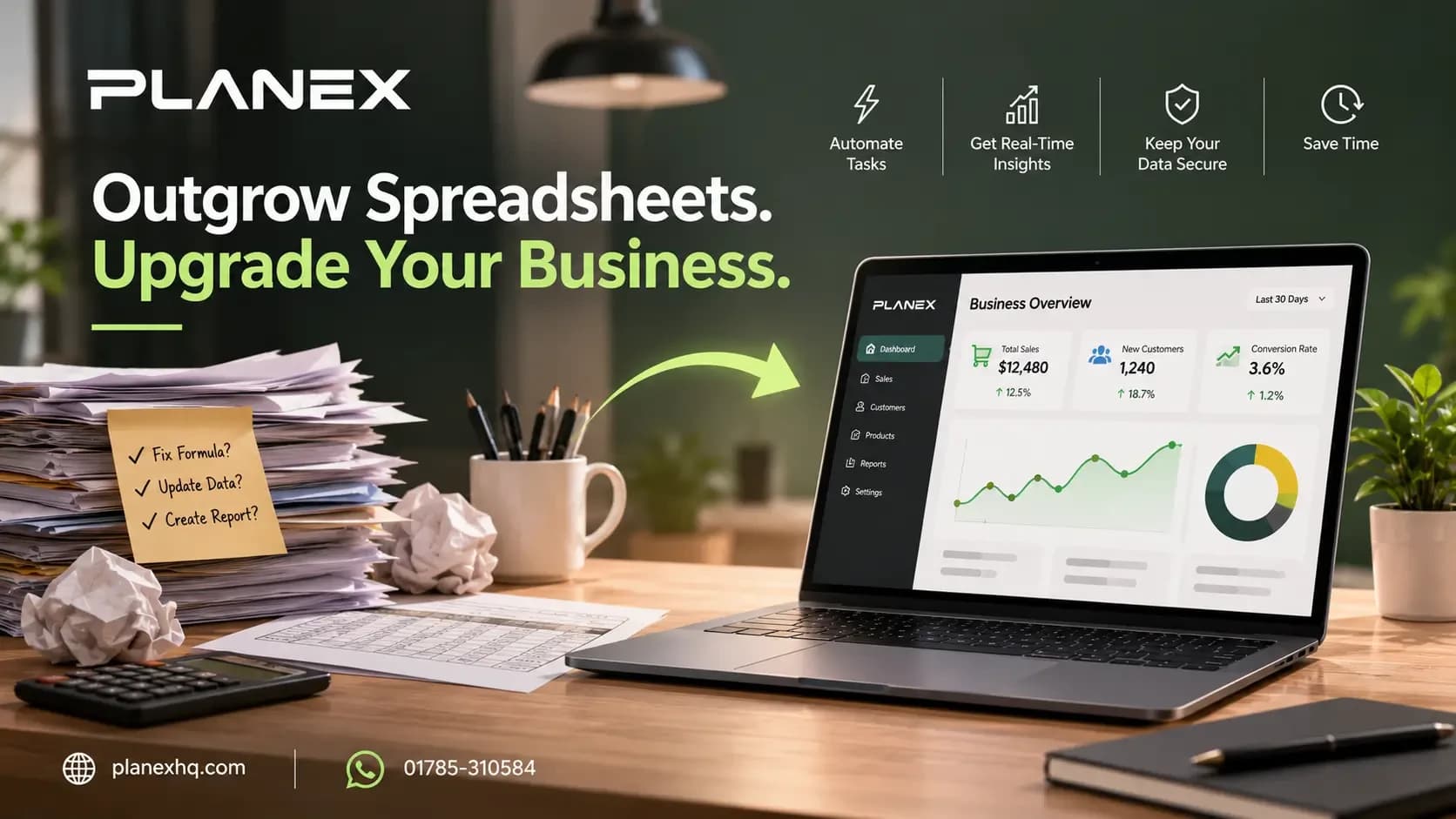
Stop losing hours to manual data entry. Here is how to know when a custom internal dashboard will actually save you money.
Almost every company starts by running its core operations on Excel or Google Sheets. They are cheap, accessible, and highly flexible. But as your business scales, that flexibility turns into a massive liability.
When you hire more employees, handle more clients, and process more transactions, a spreadsheet stops being a helpful tool and becomes a bottleneck. Files get deleted accidentally. Formulas break. Staff members spend hours manually typing data from one window into another. In fact, industry data shows that over 90% of spreadsheets contain errors, some of which lead to massive financial miscalculations.
At a certain point, the money you "save" by avoiding software development is completely wiped out by the payroll hours wasted on manual admin work. If you are wondering whether it is time to invest in custom software for your small business, look for these seven warning signs.
1. Your Team is Drowning in Repetitive Data Entry
If your employees are manually copying data from an email, pasting it into a spreadsheet, and then typing that exact same information into your accounting software, you have a major operational leak. Humans make typos, and data entry is incredibly expensive. Recent 2026 data shows that manual data entry consumes 30% to 50% of staff working hours in most organizations, costing U.S. businesses an average of $28,500 per employee every year.
Custom software automates data capture entirely. When a client fills out a form or an order is placed, a custom web application routes that data directly into a central database without a single person needing to touch a keyboard.
2. You Have Duplicated and Conflicting Records
We all know the pain of looking at a folder filled with files named "Client_List_Final", "Client_List_Final_V2", and "Client_List_Actual_Final".
When multiple people download, edit, and upload spreadsheets simultaneously, you lose your single source of truth. You never truly know which file is accurate. A custom internal dashboard uses a centralized, cloud-based database. When an address or a phone number is updated by one person, it updates globally for the entire company in real-time.
3. Reporting is a Manual, Painful Process
Business owners need to make decisions based on real-time data. If you have to wait three days for an operations manager to export data, format cells, and build a pivot table just to tell you last month's profit margins, you are flying blind.
A custom business automation solution comes with built-in analytics. You can open a dashboard on your phone and instantly see live metrics on sales, inventory, or employee performance.
4. Your Tools Refuse to Talk to Each Other
You might use one platform for project management, another for client communication, and a third for invoicing. When these systems do not integrate natively, businesses often use a giant spreadsheet to manually bridge the gap.
Instead of paying for multiple disjointed subscriptions and forcing a spreadsheet to act as the middleman, custom software development allows you to build a single, unified platform through custom APIs. Your tools communicate flawlessly in the background.
5. You Face Permission and Security Problems
Spreadsheets are terrible at protecting sensitive data. If you want a junior employee to see a client's project status but you want to hide the project's profit margin, you are out of luck. You either have to create two separate spreadsheets or risk exposing confidential financial data.
Custom software allows for strict, role-based permissions. You have complete control over exactly what an administrator, a manager, or a base-level employee can see and edit on their screen.
6. Workflows are Constantly Stalling
In a spreadsheet, an approval workflow usually involves turning a cell yellow and hoping the manager notices it. There are no automated alerts. Tasks fall through the cracks simply because someone forgot to check the file.
A bespoke web application manages the workflow for you. When a task is ready for approval, the software automatically sends a push notification or an email directly to the decision-maker, keeping the project moving forward without manual follow-ups.
7. Growing Operational Complexity Causes Crashes
If your spreadsheet takes five minutes to open, crashes constantly, or has hit its row limit, your business has officially outgrown the tool. Spreadsheets are not databases. They are not built to hold hundreds of thousands of complex transactional records.
When is Custom Automation Worth the Investment?
Many business owners hesitate to build custom software because they worry about the upfront cost. To find out if it is actually worth it, do a simple calculation.
Ask your team to track how many hours they spend every week entering data, fixing broken formulas, and building manual reports. Multiply those hours by their hourly wage. Multiply that by 52 weeks.
In most cases, the cost of operational drag is massive. A custom internal dashboard usually pays for itself in payroll savings and recovered time within the first few months.
At Planex, we build the custom software, secure databases, and business automation solutions that help companies break out of spreadsheet chaos and scale smoothly.
Stop running your growing business on broken files. Drop us a message on WhatsApp at 01785-310584 to discuss building a custom software solution tailored to your exact operations
Key Questions & Architectural Answers
Is custom software too expensive for a small business?
How long does it take to build a custom internal dashboard?
Can custom software connect to the tools we already use like QuickBooks or Stripe?

Full-stack developer with 3+ years of experience delivering production-ready websites, e-commerce platforms, and custom business applications.